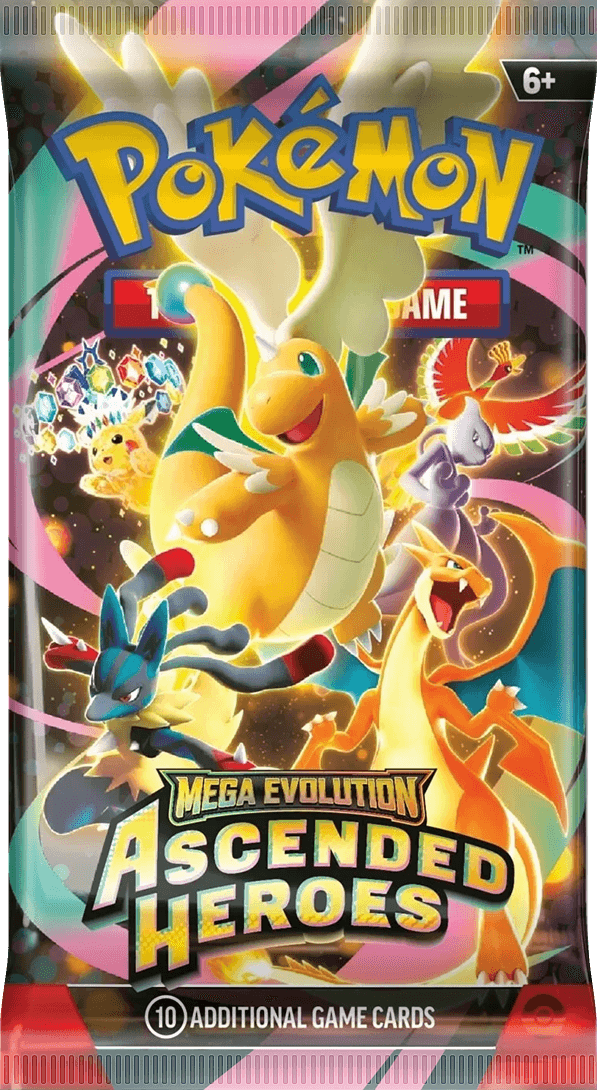
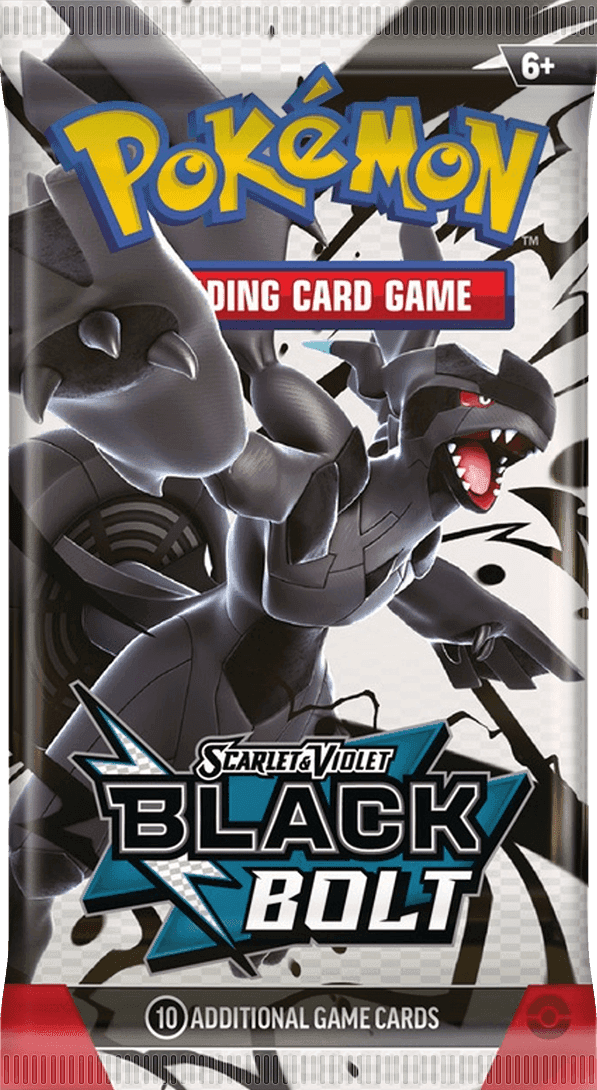
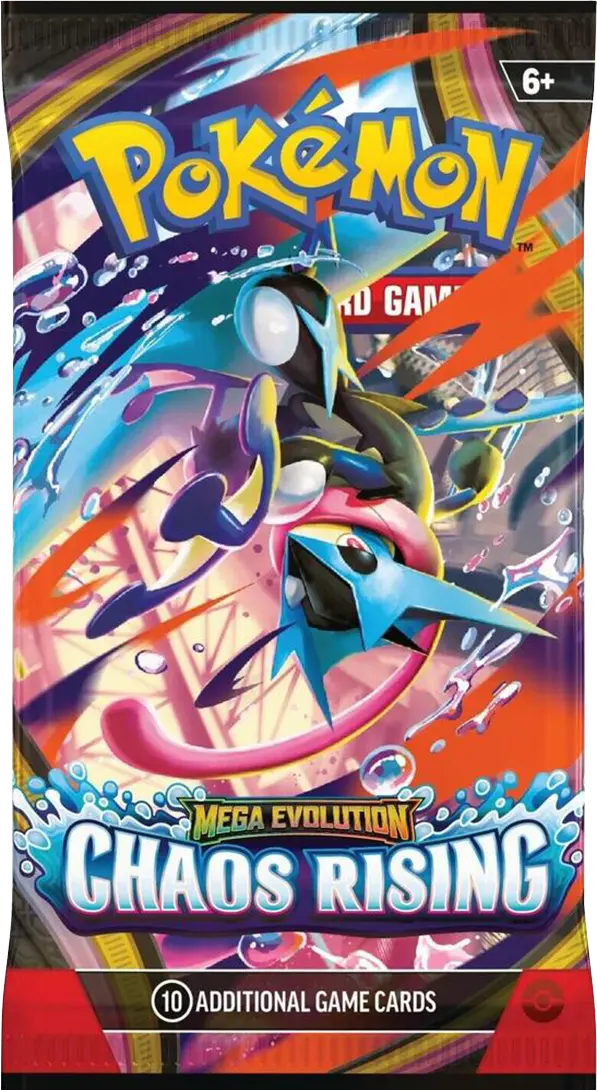
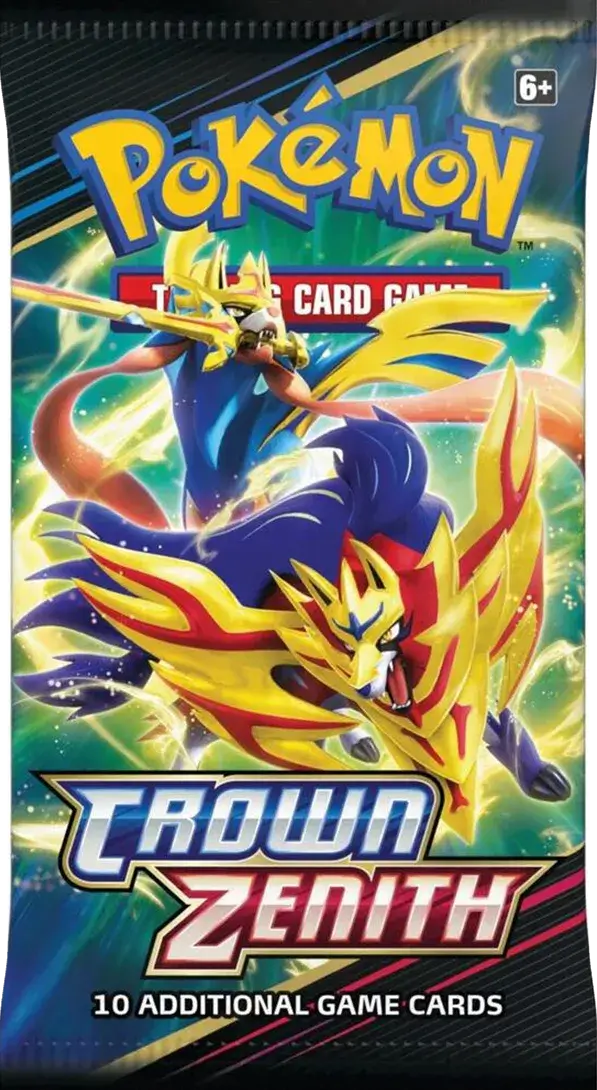
Sign up
Create your account
Use Login in the header. The window says Sign up or log in. Create the account once, then stay signed in.
Free. You only do this once.

Pokémon pack guide
Five steps, in order. Sign up, add balance, buy this pack, open it in Inventory, then sell cards back in bulk or ship the ones you want.
Pack price 11.00
Each step waits on the one before it. You cannot buy until you have an account and balance.
Sign up
Use Login in the header. The window says Sign up or log in. Create the account once, then stay signed in.
Free. You only do this once.
Deposit
Open Deposit and add funds. This pack costs 11.00. Your balance is what you spend.
Add at least the pack price.
Go to DepositThe cards are yours. Sell the ones you do not want. Ship the ones you do. You do not have to pick only one.
Choice A
or
Choice B
No. This page only explains the steps for 30th Celebration. Buy this pack takes you to the pack page.
In Inventory, on the Packs tab. After you open it, the cards move to the Cards tab.
Yes. In Inventory, select the cards you do not want and press Sell. Select All selects the cards on screen so you can sell them together. The amount returns to your balance.
Same steps. Only the pack changes.
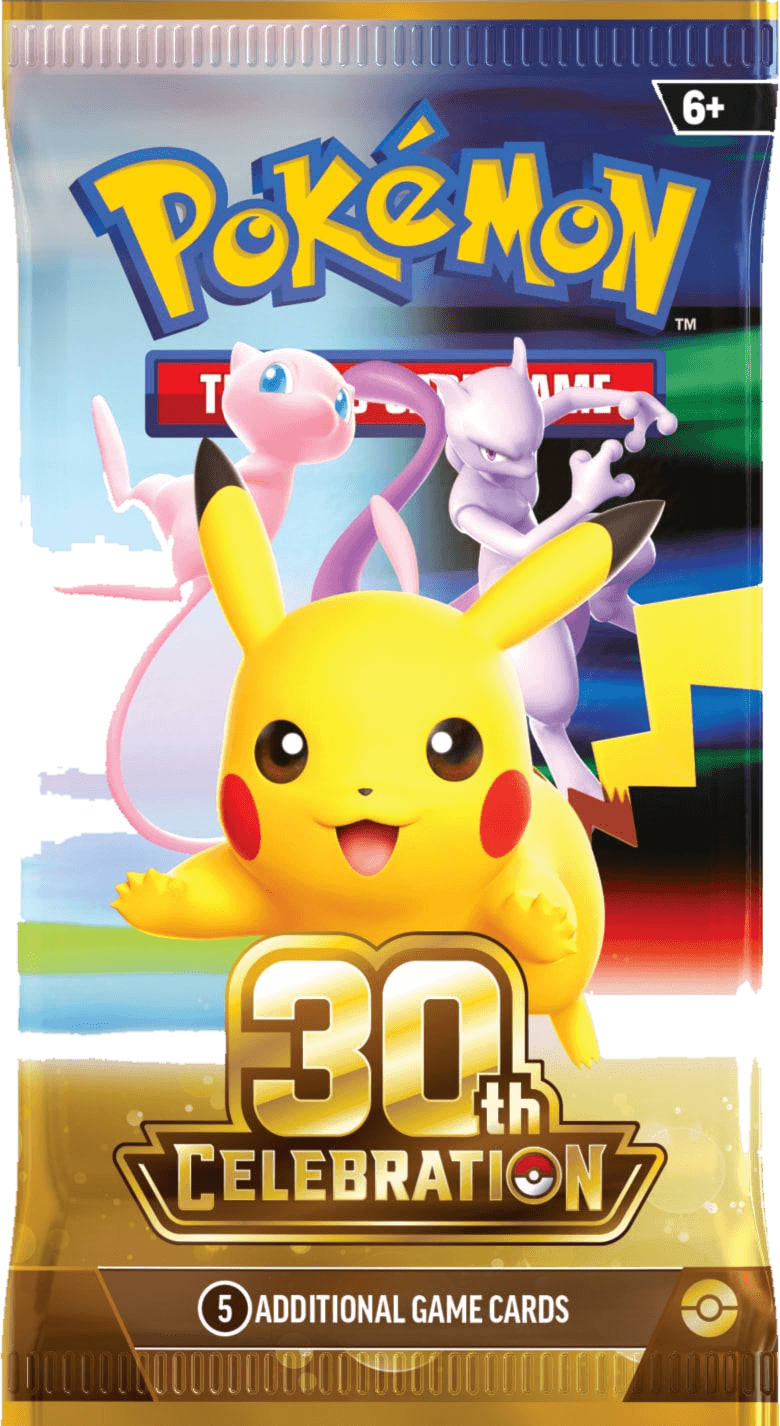
Sign up if you are new, add balance, then buy this pack. Open it in Inventory when you are ready.
Pokémon
Buy a pack
Open the pack page and buy it. The pack is saved to your account. You do not open it in the shop.
One purchase is one pack.
Buy this packOpen in inventory
Go to Inventory and choose the Packs tab. Find this pack and open it there. The cards then show in your Cards tab.
The pack waits in Inventory until you open it.
Open InventorySell or ship
After the pack is open, each card can go one of two ways. Sell cards you do not want. Ship the cards you want to keep. You can do both.
Sell some. Ship the rest.
See both choicesYes. Sell the cards you do not want. Leave the ones you want, then ship those from Withdraw.
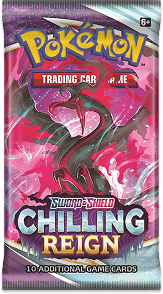 7.00